⬇️ Download VidioNode APK
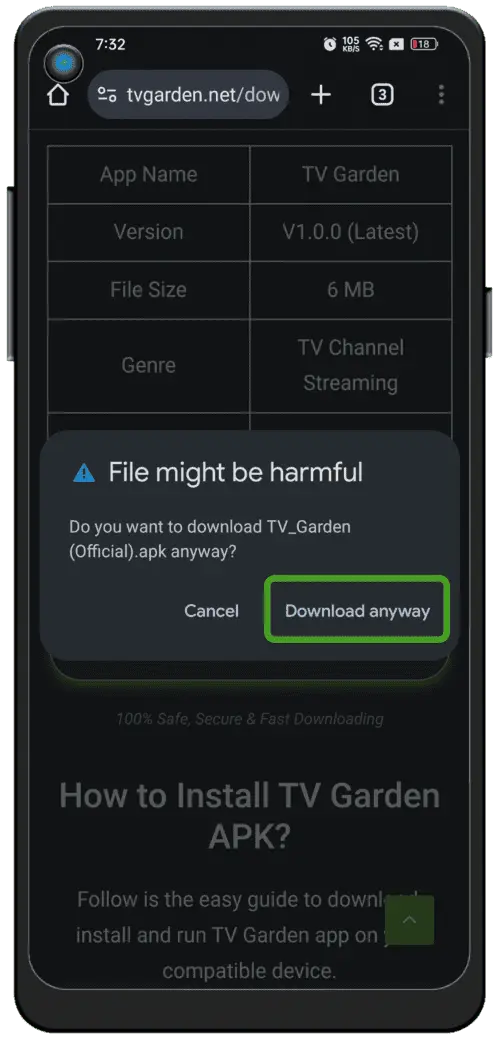
Tap the download button at the bottom of this page. The VidioNode APK will download to your phone automatically.
File size: about 18 MB. Use a stable internet connection (Wi‑Fi recommended).
⚙️ Enable unknown sources
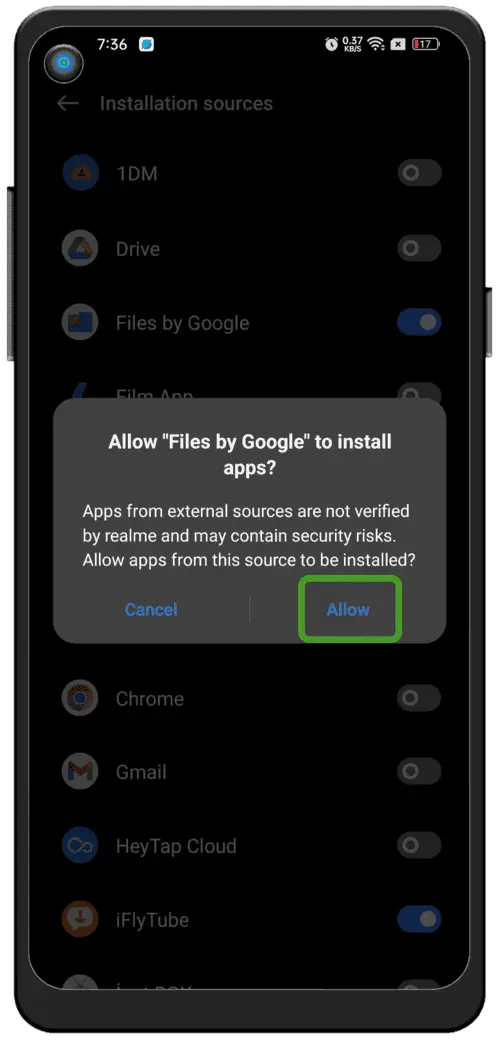
VidioNode downloads as an APK (not from the Play Store), so you need to allow installing apps from external sources.
For Android 11 and above:
-
1Open Settings on your phone
-
2Go to Security or Privacy
-
3Find Install unknown apps or a similar option
-
4Select your browser or Files app and turn Allow on
If you see a security warning, don't worry — this is normal for APKs outside the Play Store.
📂 Find the APK file
After the download completes, locate the VidioNode APK:
-
1Open the Files app
-
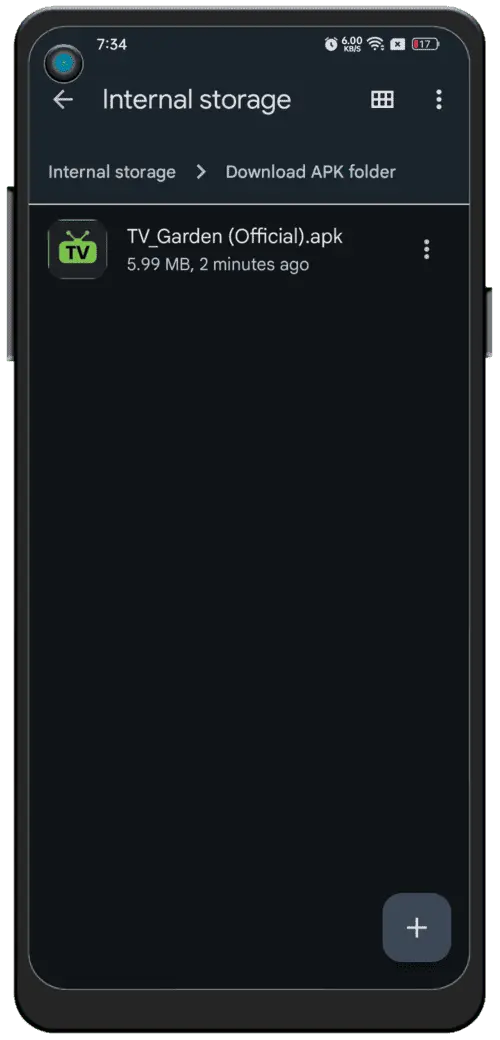
2Go to Internal storage → Download
-
3Find VidioNode.apk
Shortcut: Tap the download notification in the status bar to open the APK directly.
📦 Install VidioNode
-
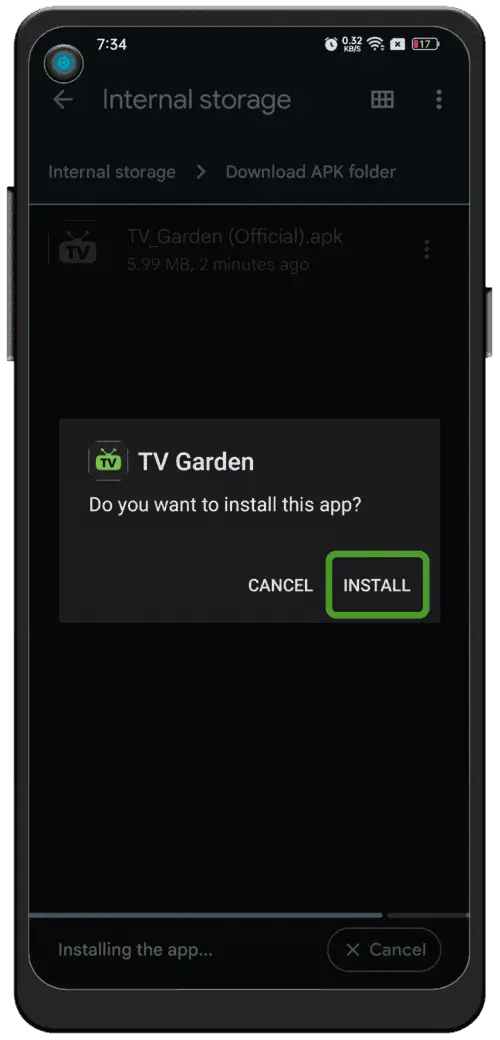
1When prompted, tap Install
-
2Wait for installation to finish (10–30 seconds)
-
3Tap Open to launch VidioNode
Note: Android may show a warning for apps outside the Play Store. That's normal — read the message and proceed if you trust the source.
📺 Open the app and choose your country
After launching VidioNode, follow these steps to watch free content:
Launch the app
Open VidioNode. You'll see a globe with different countries.
Select your region
Tap India or your country on the globe. This shows channels for your region.
Browse channels
Scroll through 1000+ live TV channels. Tap any channel to start watching.
Start watching
Tap a channel. Live sports, movies, news & entertainment — completely free!
You're set! 1000+ live channels, sports, movies & news free — no subscription.
🔧 Troubleshooting
"App not installed" message?
-
→Check that install from unknown sources is allowed
-
→Keep at least 100 MB free storage
-
→Download the APK again
Channels not loading?
-
→Check your internet connection
-
→Try a different channel first
-
→Force close and reopen the app